
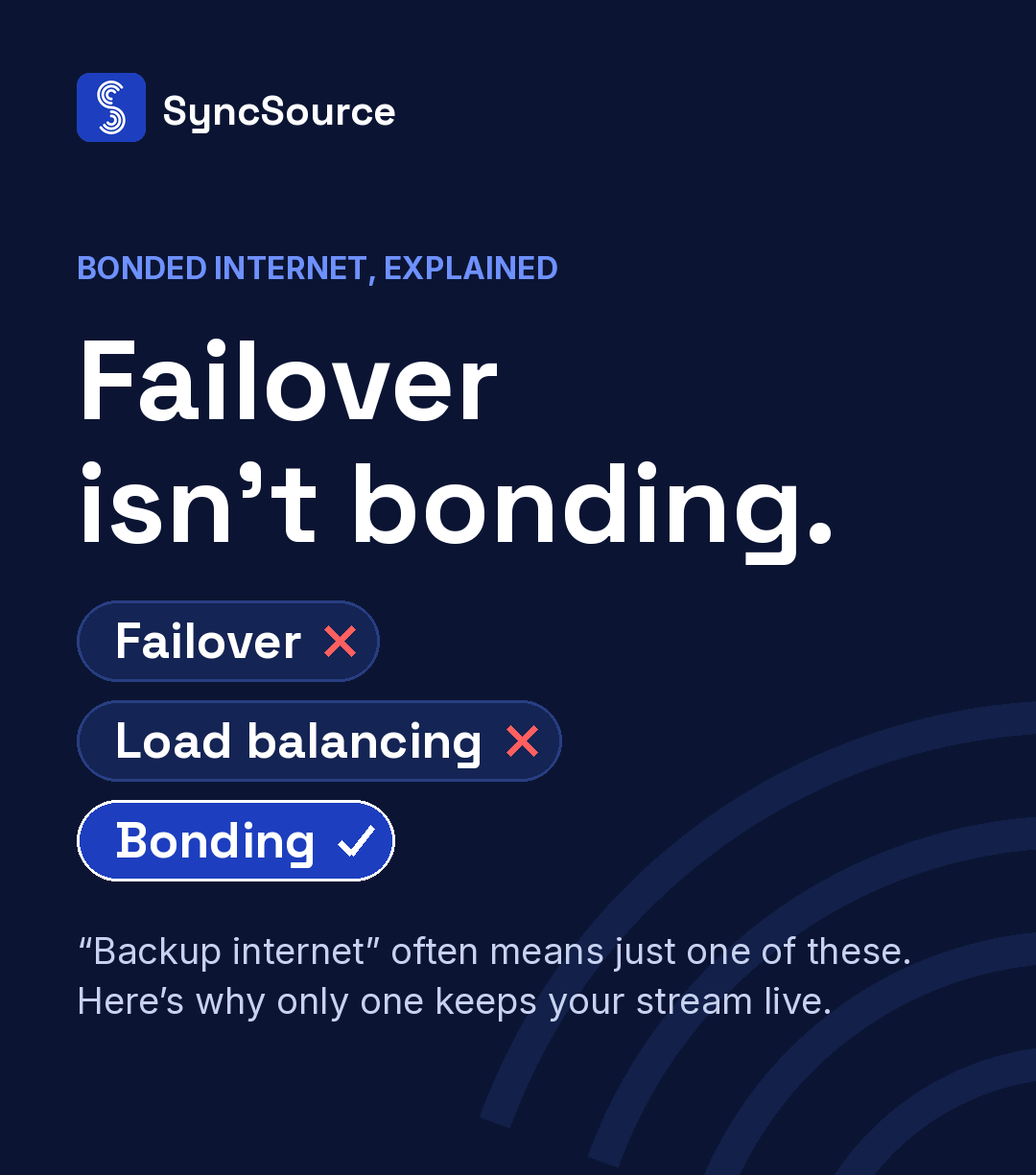
"We've got backup internet" is one of the most common things we hear before an event. Then the stream freezes during the vows, or the card machine sits on "processing" while the queue walks away.
The problem usually isn't the internet itself. It's how the connections are combined. Failover, load balancing and bonding sound similar, but only one of them keeps a live stream running when a network drops.
1. Failover: switch when it breaks
Failover runs on one connection at a time. A second connection waits on standby. When the main connection drops, the router notices, then switches to the backup.
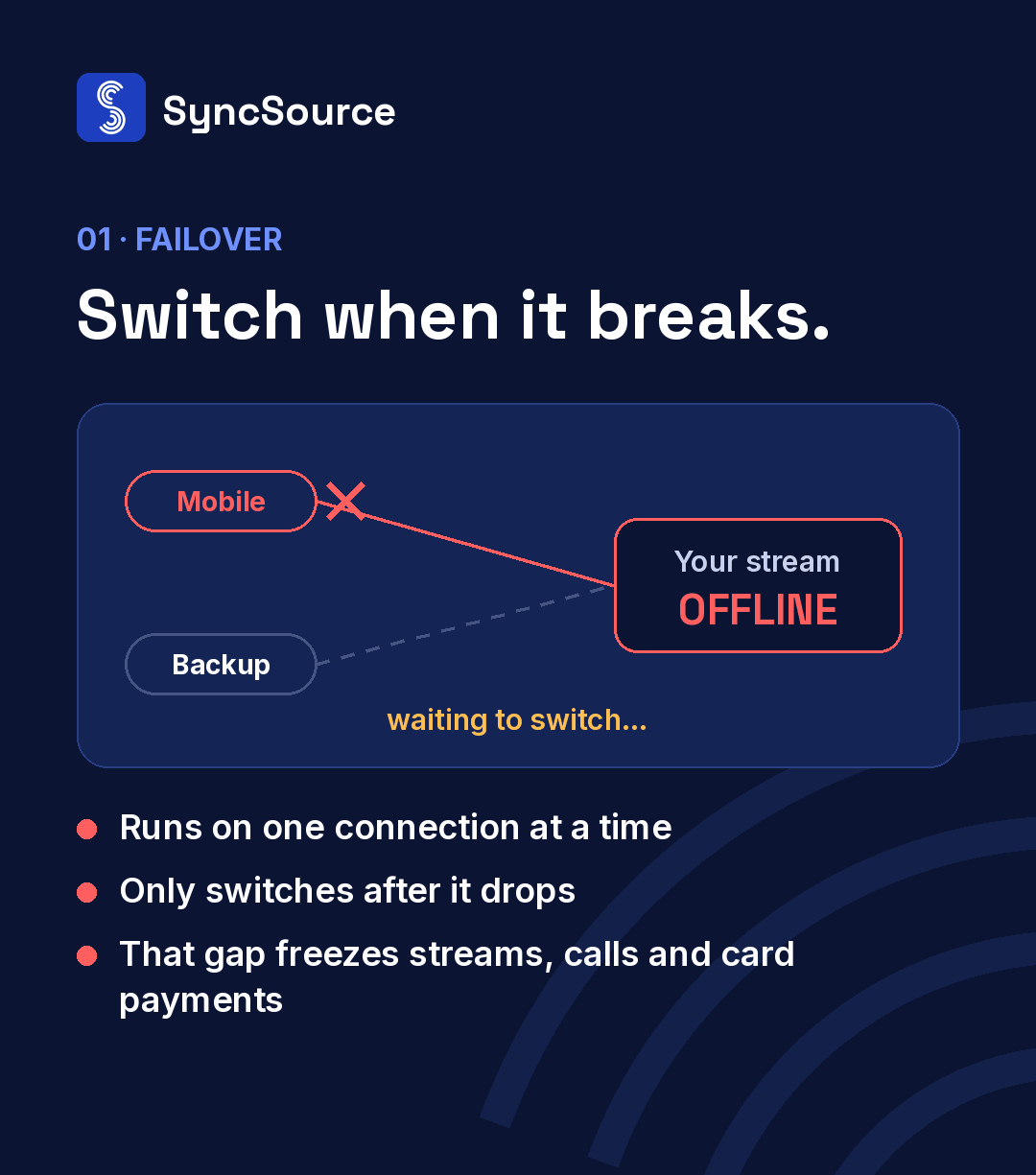
That switch isn't instant. The router has to detect the failure first, then move traffic across. During that gap:
- Live streams buffer or disconnect
- Video calls drop
- Card payments time out
- Ticket scanners and check-in apps lose their session
Failover is better than nothing. But for anything live, the gap is the problem.
2. Load balancing: combined WANs, still drops
Load balancing uses several connections at the same time, so it's often described as "combining" internet. It spreads devices and sessions across the different links. Your laptop might use one network, the card machine another.
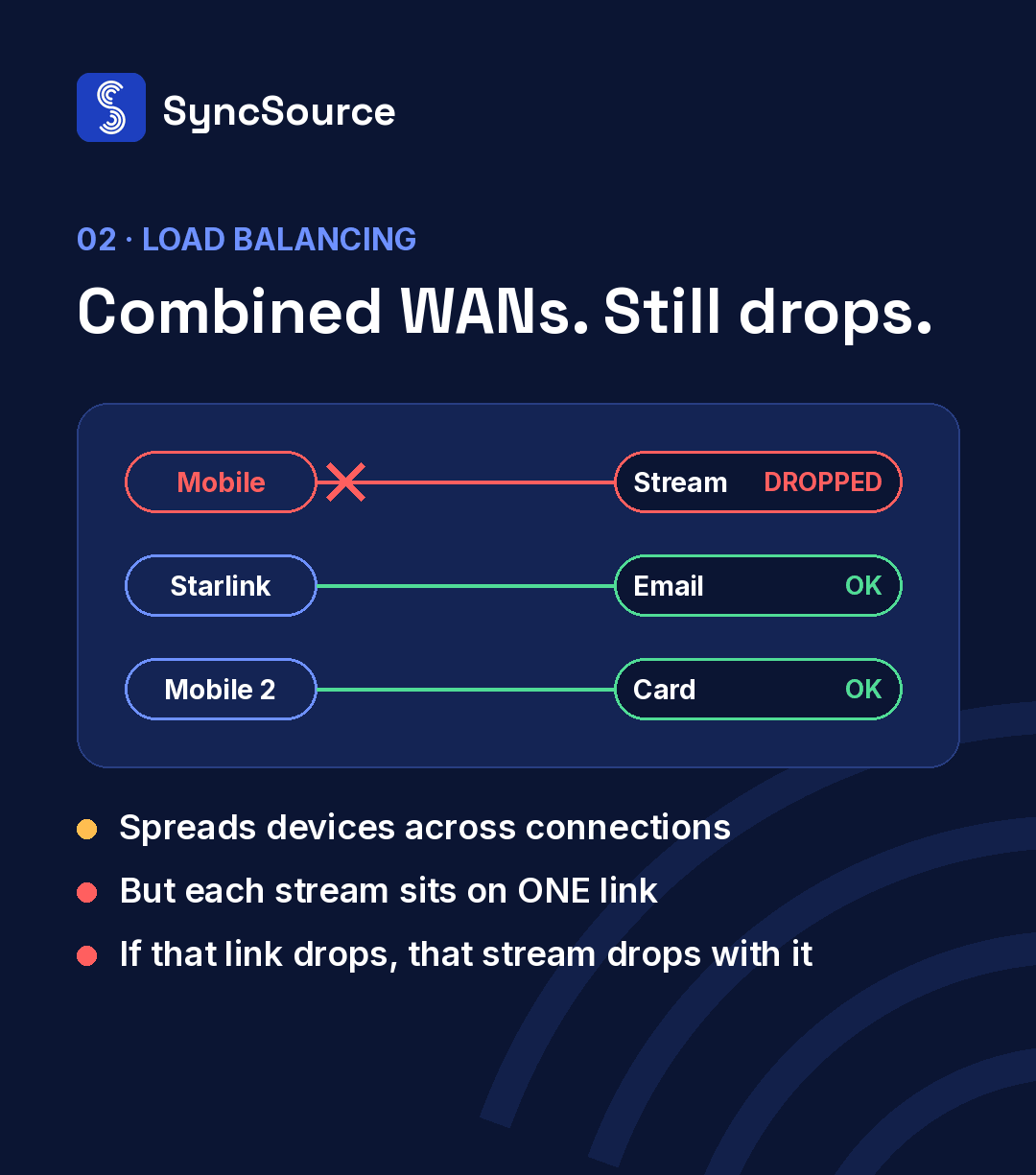
The catch: each individual session still sits on one link. If your live stream happens to be on the connection that drops, the stream drops with it, even though the other connections are fine.
Load balancing adds capacity. It doesn't protect a single important connection.
3. Bonding: all networks, one connection
Bonding works differently. Instead of giving each session its own link, it splits the traffic of every session across all connections at once and puts it back together on the other side.
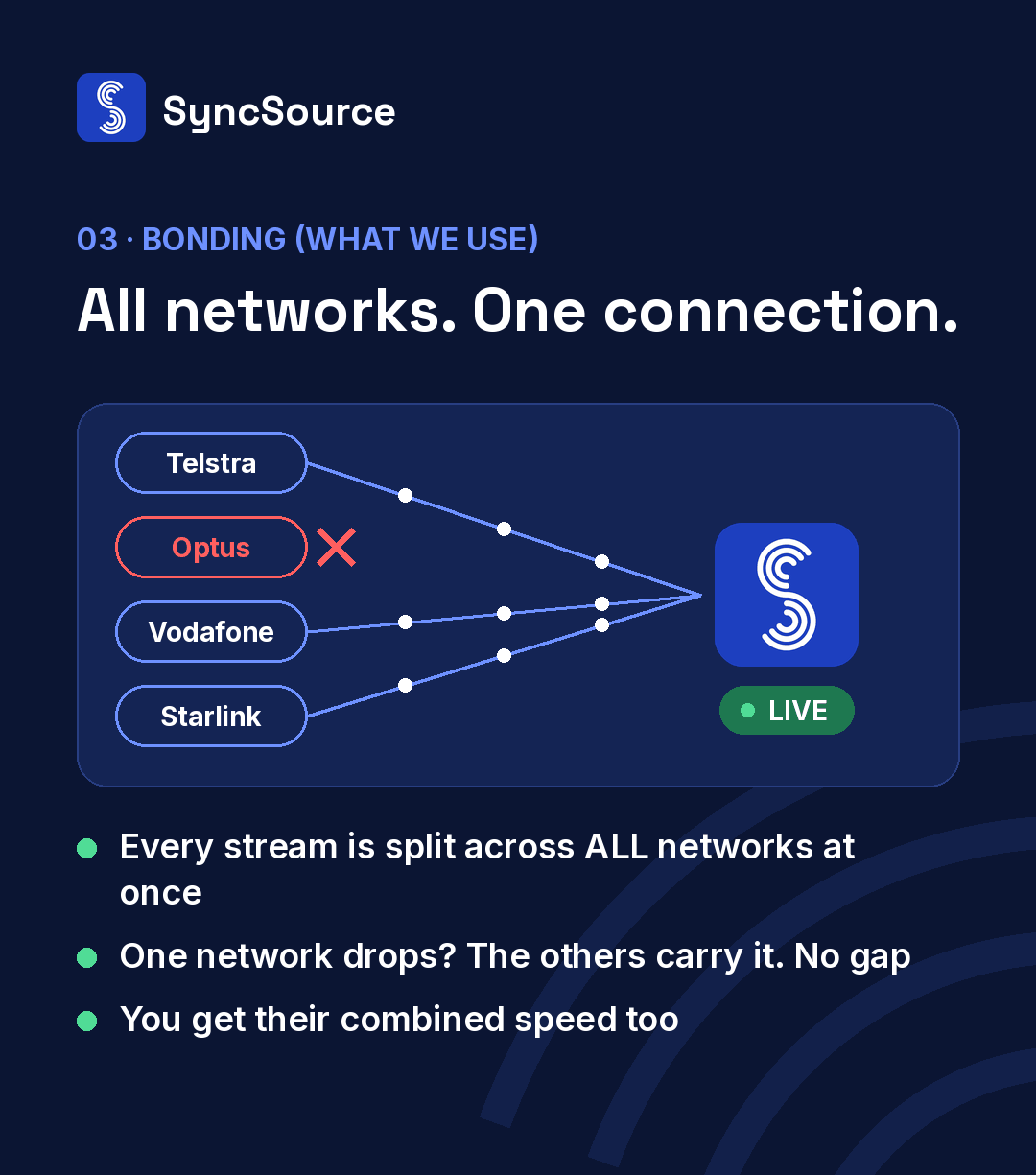
At SyncSource we use Peplink SpeedFusion bonding, combining:
- Telstra
- Optus
- Vodafone
- Starlink
Your stream, your EFTPOS and your team all see one steady connection. If one network dips or drops completely, the others keep carrying the traffic. There's no switch-over, so there's no gap. You also get the combined speed of the networks working together.
Quick comparison
| Feature | Failover | Load balancing | Bonding |
|---|---|---|---|
| Uses all connections at once | No | Yes | Yes |
| A single stream survives a network drop | No, there's a gap | No, if it's on the dead link | Yes |
| Combined speed for one stream | No | No | Yes |
| Best for live streams and payments | Not ideal | Not ideal | Yes |
Why it matters at events
Events are exactly where mobile networks struggle:
- Crowds: hundreds of phones fighting for the same tower
- Buildings: thick walls in churches, halls and showgrounds block signal
- Timing: you only get one shot at the vows, the keynote or the Saturday rush
We tested this at a wedding live stream inside a stone church, a classic mobile dead zone. With Starlink outside and three mobile networks bonded inside, the on-site speed test showed 37 Mbps down and 30 Mbps up, enough for a multi-camera stream to family who couldn't be there.
What you get with SyncSource
- 4 networks bonded: Telstra, Optus, Vodafone and Starlink
- SpeedFusion bonding, not simple failover
- A live status portal: scan the QR code on the box to see networks, devices and data use
- Monitoring and support while you're running your event
- Battery powered, so no power point is needed on site
FAQ
Is bonded internet the same as having a backup SIM?
No. A backup SIM is failover: it only takes over after the main connection drops. Bonding uses all connections at the same time.
Does bonding make the internet faster?
Bonding combines the bandwidth of the connected networks, so a single stream or upload can use more than one network's worth of capacity.
What happens if Starlink loses signal, for example under heavy cloud or an obstruction?
The mobile networks keep carrying the traffic. That's the point of bonding: no single network is a point of failure.
Do I need power at the venue?
No. The SyncSource box is battery powered and runs for up to 8 hours without a power point.
What events do you supply?
Weddings, markets, festivals, conferences, sports events and live streams across Brisbane and Australia-wide.
Need internet that won't drop?
Whether it's a wedding live stream, a weekend market or a festival, we'll set you up with bonded event WiFi rental.
- See our Brisbane event WiFi hire, Starlink internet hire, live streaming internet hire and market WiFi hire pages
- Call 0420 381 287
- Email contactus@syncsource.com.au
- Message us on Instagram @syncsourceau